

Tesla Model Y key fob overview
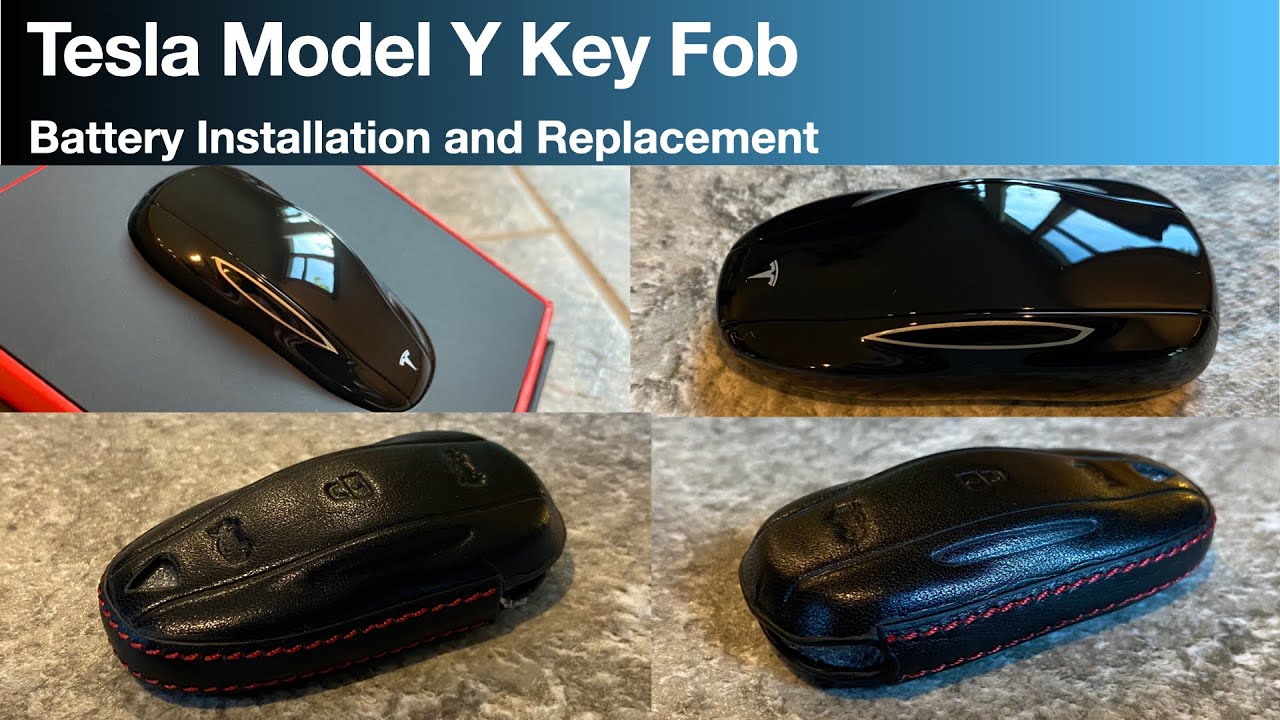
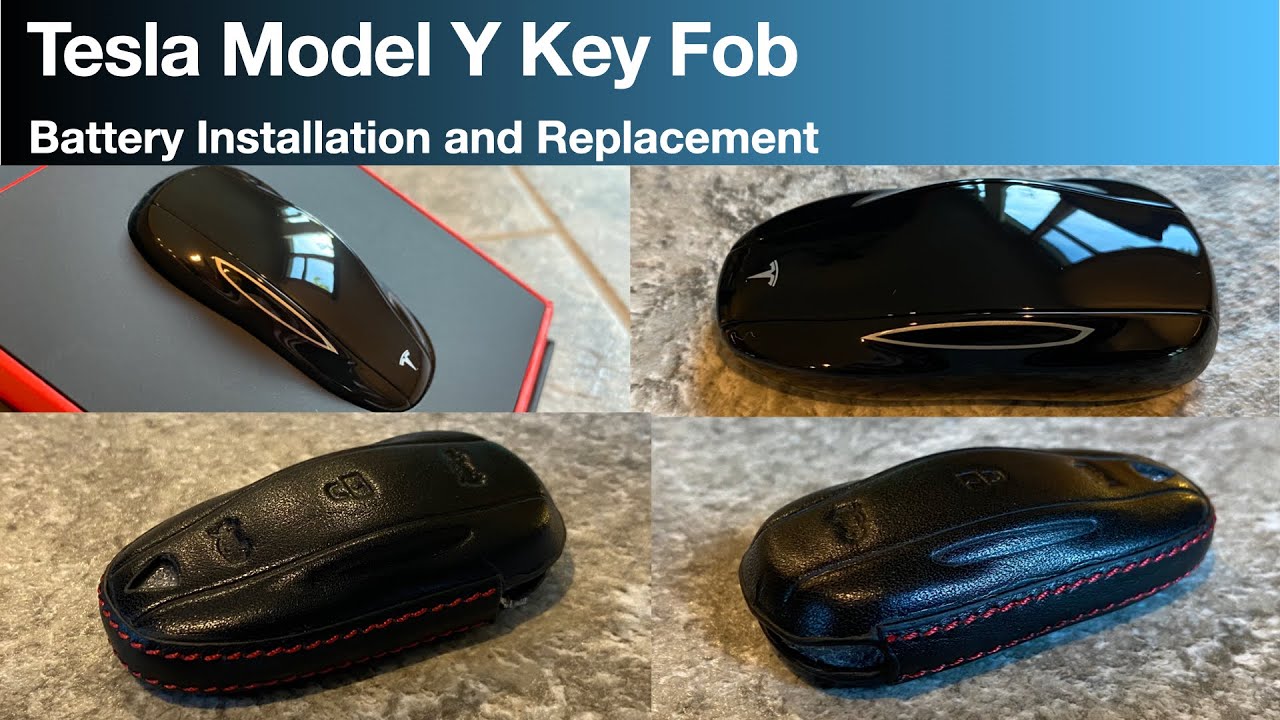
The Tesla Model Y key fob is a minimalist device for keyless entry and starting. It also offers remote functions like activating climate control or opening the charge port.
Battery life estimates for the key fob are not published by Tesla, but owners typically report needing a replacement every 12-18 months. Frequent use of remote features or the panic button will shorten this lifespan. Some users suggest that keeping the fob with many other metal items on a keychain may contribute to faster battery drain, though this is unverified.
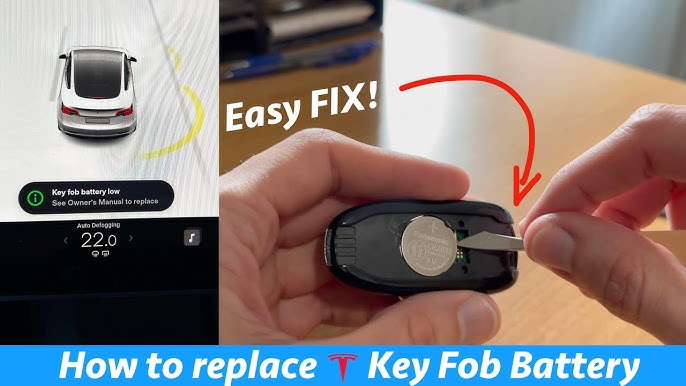
Key fob batteries eventually need replacement. Replacing the battery is a simple DIY task that can save a trip to the service center and money. This guide provides step-by-step instructions.
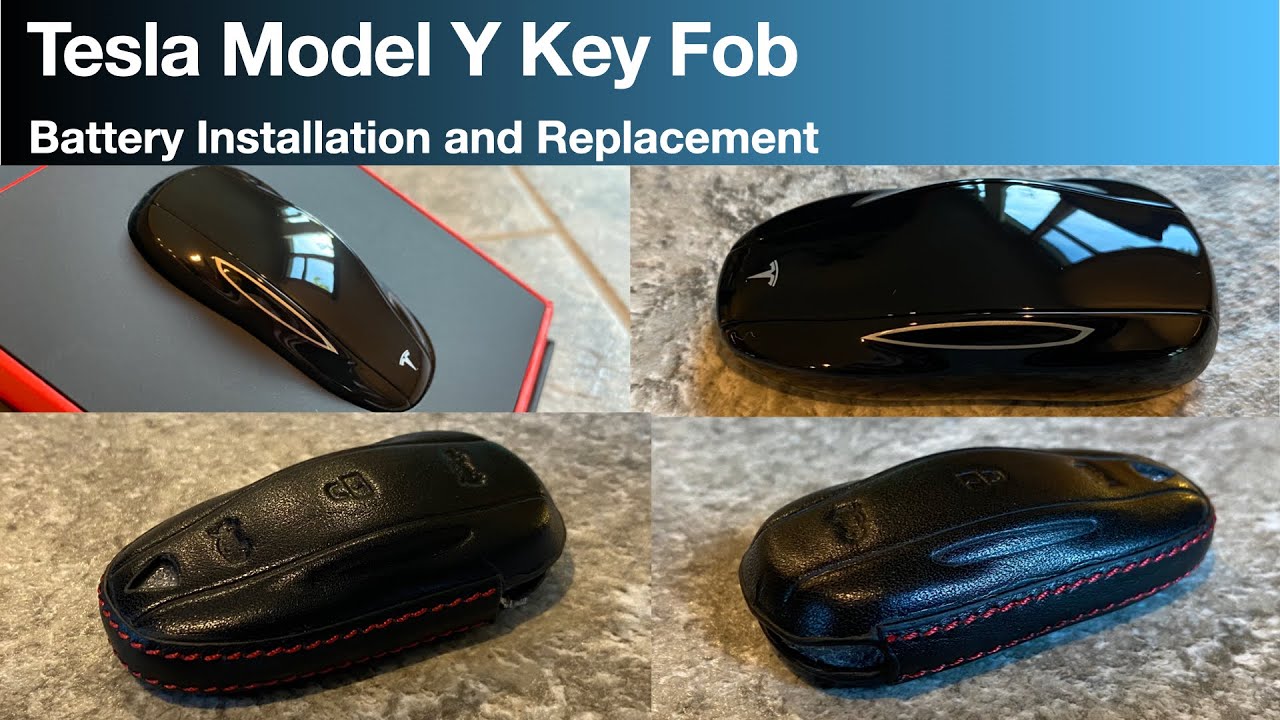
Signs your key fob battery is dying
The most obvious sign of a failing key fob battery is a reduced range. You might find yourself needing to hold the fob closer to the car door handle to unlock it. This is a gradual process, so it's easy to miss at first, but it's a definite warning sign. Intermittent operation is another common symptom – the fob might work sometimes and not others, even when you’re standing right next to the car.
You may also notice you have to press the button repeatedly to get a response. This is the fob struggling to send a strong enough signal. A complete failure to unlock or lock the car is, of course, the most definitive sign, but it's also the one that can cause the most frustration. Don’t immediately assume it's the battery, however.
It’s important to remember that these symptoms can sometimes mimic other issues. A weak cell tower signal can occasionally interfere with the fob's communication with the car, or there could be a problem with the car's receiver. If you’ve recently experienced a software update, that could potentially be a factor as well. Rule out the simple battery replacement before assuming a more serious problem.
Tools for battery replacement
Thankfully, replacing the key fob battery doesn’t require a lot of specialized tools. You’ll need a small Phillips head screwdriver – a size #00 is generally recommended, but double check to be sure. A plastic opening tool, or something similar like a guitar pick, is also helpful for gently prying open the key fob casing. These tools help prevent scratching or damaging the plastic.
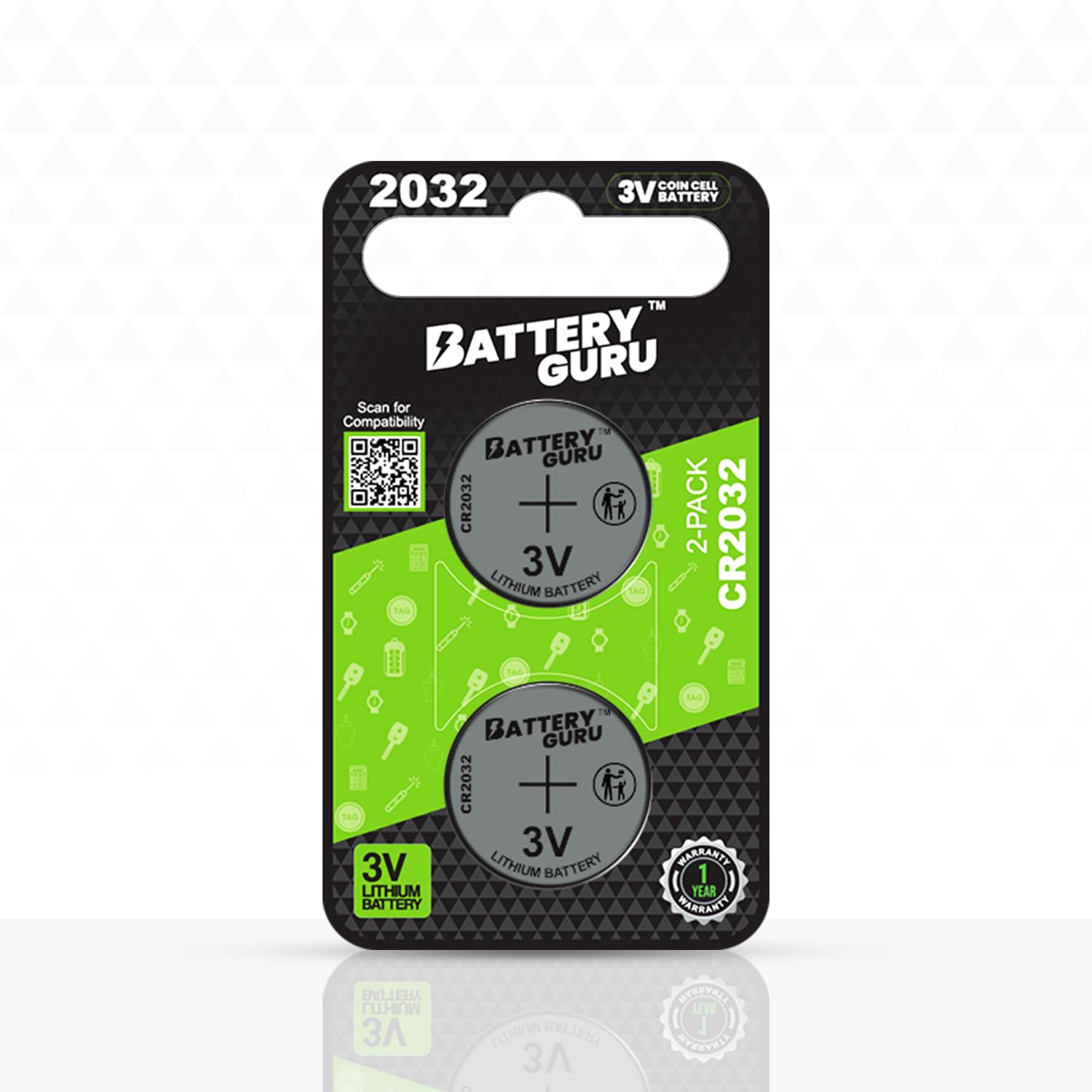
The replacement CR2032 battery is essential. These are available at most drug stores, hardware stores, and online retailers. Using the correct size and type is crucial. Be careful with the screwdriver to avoid stripping the key fob screws.
- Small Phillips head screwdriver (#00 recommended)
- Plastic opening tool (or guitar pick)
- CR2032 battery
Tools & Materials
- CR2032 Battery - The 2026 Tesla Model Y key fob requires a CR2032 3V lithium coin cell battery. Ensure it's a reputable brand for longevity.
- Small Phillips Head Screwdriver - A precision screwdriver set is recommended to avoid stripping the small screws holding the key fob together. Size #00 or #000 is typically ideal.
- Plastic Opening Tool/Spudger - Used to gently pry apart the key fob casing without causing damage. Metal tools can scratch or break the plastic.
- Soft Cloth or Microfiber Towel - To protect the key fob’s surface and provide a non-slip working area.
- Anti-Static Wrist Strap (Optional) - While not essential, an anti-static strap can help prevent damage to the key fob's internal electronics.
- Small Container - To safely store the screws removed during disassembly, preventing them from getting lost.
- Bright Work Light - Good lighting is crucial for seeing the small components and screws inside the key fob.
Step-by-step battery replacement
First, remove the emergency key. There's a small button or release on the side of the fob that you need to press to slide the key out. Set the key aside in a safe place. Next, carefully open the key fob casing. This is where the plastic opening tool comes in handy. Gently insert the tool into the seam between the two halves of the fob and carefully pry it open. Work your way around the edges, applying gentle pressure until the casing separates. Don't force it – you don't want to break anything.
Once the casing is open, you’ll see the circuit board and the battery. The battery is usually held in place by a small plastic clip. Gently push the clip aside to release the old battery. Take note of the battery's orientation – which side is facing up. This is crucial for inserting the new battery correctly. Remove the old CR2032 battery. Dispose of it properly; many retailers offer battery recycling programs.
Insert the new CR2032 battery with the correct polarity, positive (+) side facing up, matching the old battery's orientation. Reassemble the key fob casing by pressing the two halves together until they snap securely into place. Ensure all edges are aligned and the casing is fully closed.
Before you start celebrating, it’s worth mentioning a quick warning about static electricity. Static discharge can damage the sensitive electronics inside the key fob. Consider grounding yourself by touching a metal object before handling the circuit board. After reassembly, test the key fob to ensure it’s working properly. If it doesn't work, double-check the battery polarity and make sure the casing is fully closed.
- Remove the emergency key.
- Carefully open the key fob casing with a plastic opening tool.
- Identify and release the battery clip.
- Remove the old CR2032 battery.
- Insert the new CR2032 battery with the correct polarity.
- Reassemble the key fob casing.
Battery specifications and compatibility
The 2026 Tesla Model Y key fob uses a CR2032 battery. This is a very common battery size, so you shouldn't have trouble finding replacements. However, not all CR2032 batteries are created equal. The quality of the battery can significantly impact its lifespan and reliability. Cheaper batteries may have a shorter lifespan or be more prone to leaking.
I recommend choosing a reputable brand like Duracell, Energizer, or Panasonic. These brands typically offer higher-quality batteries with better performance and a lower risk of leakage. While Tesla doesn't explicitly recommend specific brands, sticking with well-known names is generally a good idea. A good battery will ensure consistent performance and avoid potential damage to your key fob.
You’ll find CR2032 batteries sold individually or in multi-packs. Buying a multi-pack is usually more cost-effective, especially if you have multiple devices that use this battery size. Prices can vary, but you can typically find a good quality CR2032 battery for around $5-$10.
CR2032 Battery Brand Comparison for Tesla Model Y Key Fobs
| Brand | Longevity (Reported) | Leak Resistance | User Feedback | Value |
|---|---|---|---|---|
| Duracell | Generally good, consistent performance | Very good, well-sealed construction | Widely available, positive overall experience | Moderate |
| Energizer | Comparable to Duracell, often lasts a similar duration | Good, known for power seal technology | Positive, some users report slightly longer life in low-drain devices | Moderate |
| Panasonic | Often favored for devices requiring stable power | Very good, reliable seal | Positive, appreciated for consistent voltage output | Moderate to High |
| Battery Gem | Designed for extended life in key fobs and similar devices | Excellent, focus on leak-proof design | Very positive, specifically praised for longevity in remote applications | High |
| Sony | Good performance, particularly in temperature extremes | Good, reliable construction | Positive, some users prefer for automotive applications | Moderate to High |
| Renata | Swiss-made, known for precision and reliability | Excellent, high-quality sealing | Positive, often selected for high-end devices | High |
Qualitative comparison based on the article research brief. Confirm current product details in the official docs before making implementation choices.
Troubleshooting common issues
If the key fob doesn’t work after battery replacement, check the battery polarity. Ensure the new battery was inserted with the positive (+) side facing up. Also, confirm the casing is fully closed and all edges are aligned. An insecure casing may prevent the fob from functioning.
If opening the key fob casing is difficult, apply gentle, consistent pressure with the plastic opening tool around the edges. A hairdryer on a low setting can sometimes help loosen the plastic, but avoid overheating. Stripped screws are another common issue; a screw extractor tool may be needed if screw heads are damaged.
In some cases, you might need to resync the key fob with the car. This can happen if the battery was disconnected for an extended period. Refer to your Tesla Model Y owner’s manual for instructions on how to resync the key fob. If you’ve tried all of these steps and the fob still isn’t working, it’s time to contact Tesla service.
- Double-check battery polarity.
- Ensure the casing is fully closed.
- Resync the key fob with the car (if necessary).
- Contact Tesla service if all else fails.
Extending key fob battery life
To maximize key fob battery lifespan, avoid extreme temperatures (heat or cold). Minimize unnecessary button presses, as each press drains the battery. Store the key fob in a cool, dry place away from direct sunlight.
Some suggest keeping the key fob away from other metal objects to prevent signal interference and faster battery drain, though evidence is inconclusive. Regularly checking the battery level and replacing it proactively can prevent unexpected failures.
Where do you typically purchase replacement batteries for your key fob?
We are curious about your go-to source for key fob batteries. Vote below and see real-time results from the Battery Gem community!
No comments yet. Be the first to share your thoughts!