

Is Your 2026 Tesla Model Y Key Fob Dying? Signs and What to Expect
A dying key fob battery is a frustrating experience, but a common one. The first sign is usually intermittent operation – sometimes the fob works perfectly, other times it struggles to unlock your 2026 Tesla Model Y, or doesn’t work at all. You might find yourself getting closer and closer to the car, pressing the button repeatedly, hoping for a response. This reduced range is a telltale sign.
Complete failure to lock or unlock the vehicle is, of course, another indicator. Don’t immediately assume a major issue with your car or the fob itself; the battery is the most likely culprit. Tesla’s build quality is generally excellent, so a failing fob is often simply down to the battery reaching the end of its life. It's good to be prepared for this.
How often should you expect to replace the key fob battery? Tesla doesn’t publish a specific timeframe, but generally, you can anticipate needing a replacement every 12-24 months with normal use. However, factors like temperature extremes – leaving your car in scorching heat or freezing cold – can significantly shorten battery life. I’ve personally noticed batteries draining much faster in cars frequently exposed to these conditions.
Tesla key fobs seem to go through batteries quicker than some other vehicles. Older Honda and Toyota fobs have lasted upwards of three years on a single battery, while experience with similar fobs in BMWs and Teslas is closer to the 12-18 month range. This may be due to the fob’s features, frequency of use, or the power demands of the Tesla's security system. It's a small annoyance, but manageable.
iOS 18 brings many new features and changes, but they can use more power. Here is the iOS 18 Best Practices or Ultimate Battery guide for tips that actually work.
— Aaron Zollo (@zollotech) October 9, 2024
Full video here: https://t.co/18vcjHpD7n pic.twitter.com/XjpjWkTNry
Gathering Your Tools and the Right Battery: What You'll Need
Fortunately, replacing a Tesla Model Y key fob battery is a straightforward process, and you won't need a lot of specialized tools. A small flathead screwdriver is the primary requirement. Many people also find a plastic opening tool (often used for electronics repair) helpful to gently pry open the casing without risking scratches.
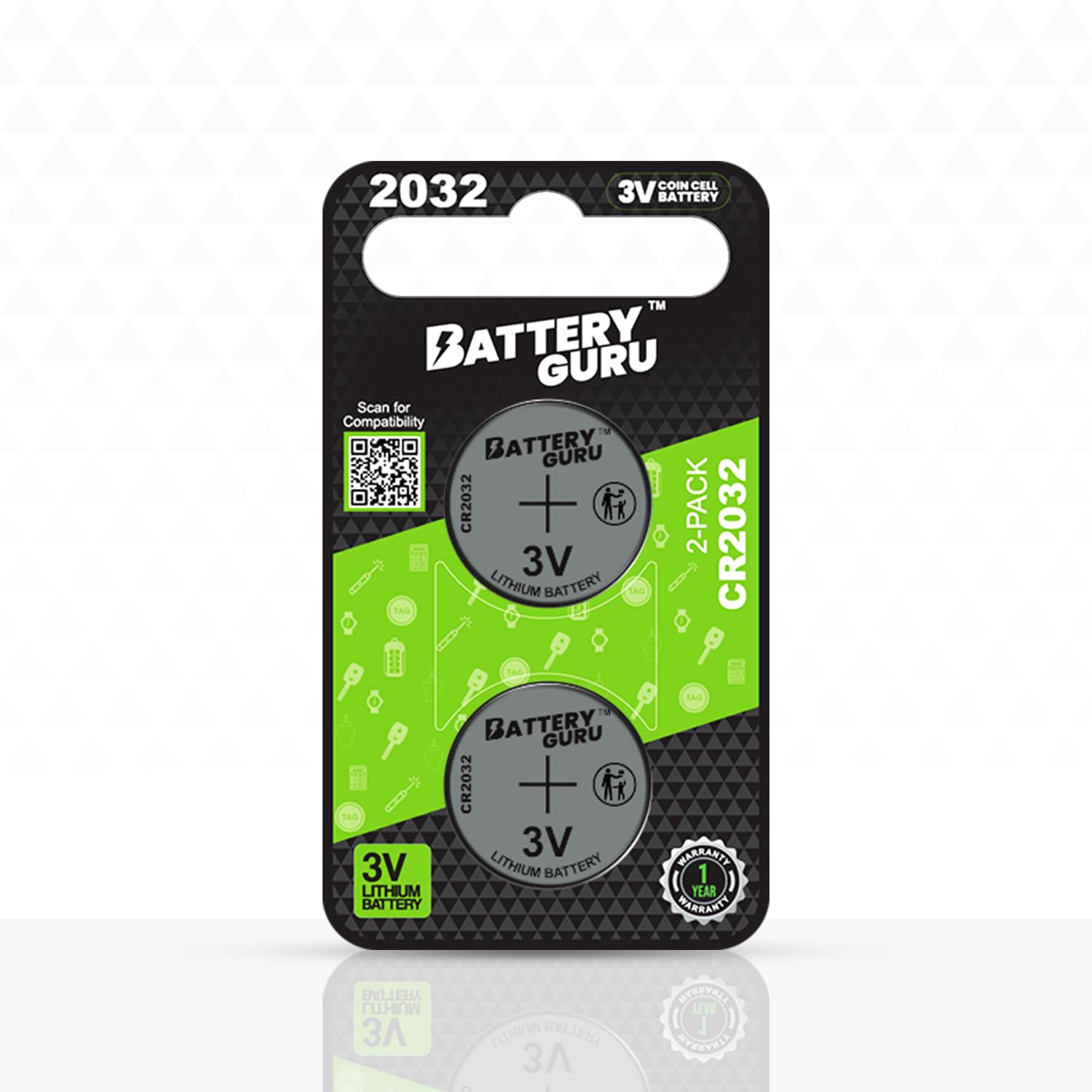
The most crucial element is, of course, the correct replacement battery. For the 2026 Tesla Model Y, the specification is confirmed to be a CR2032 battery. It’s important to verify this before purchasing, but as of late 2024, this is the standard. You can find these batteries at most drugstores, supermarkets, and electronics stores, as well as online retailers like Amazon.
When sourcing a replacement, be wary of exceptionally cheap batteries, as these are often counterfeits and may not deliver the expected performance or lifespan. Look for reputable brands like Duracell, Energizer, or Panasonic. Ensure you are purchasing the correct CR2032 battery.
Top-Rated CR2032 Batteries for Your Tesla Model Y Key Fob
Long-lasting lithium technology · Reliable power source · Leakage-resistant design
Energizer is a trusted brand known for its dependable and long-lasting batteries, making it an excellent choice for your Model Y key fob.
High energy density · 10-year shelf life · Designed for various devices
Duracell batteries are renowned for their consistent performance and extended lifespan, ensuring your key fob remains powered.
High-quality lithium chemistry · Stable voltage output · Compact and powerful
Panasonic offers reliable and high-performance CR2032 batteries that are ideal for the consistent power demands of your Tesla key fob.
Value pack for multiple replacements · Consistent performance · Suitable for electronic devices
Amazon Basics provides a cost-effective yet reliable option for CR2032 batteries, perfect for keeping your Tesla key fob operational.
As an Amazon Associate I earn from qualifying purchases. Prices may vary.
Step-by-Step: Opening Your 2026 Tesla Model Y Key Fob
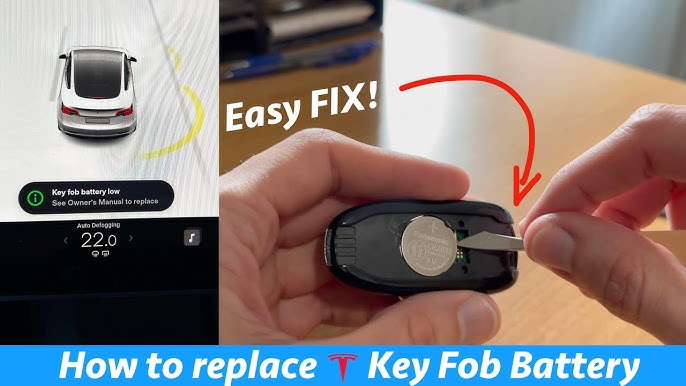
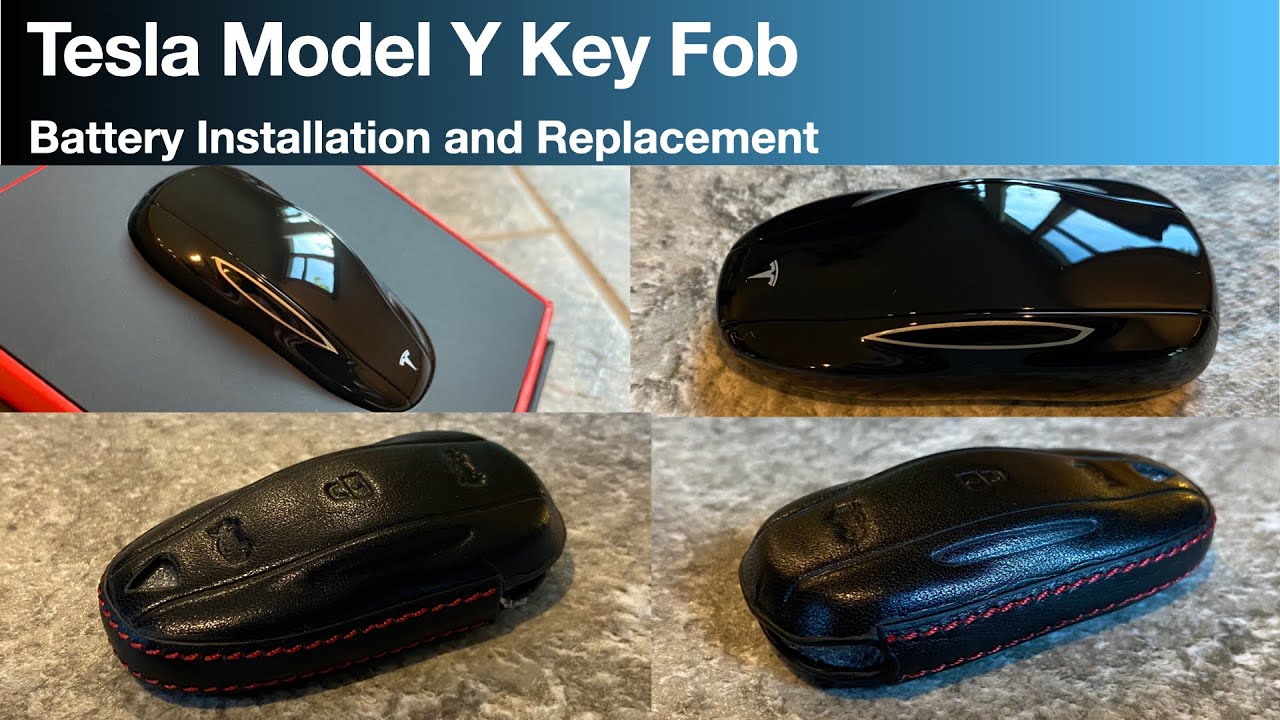
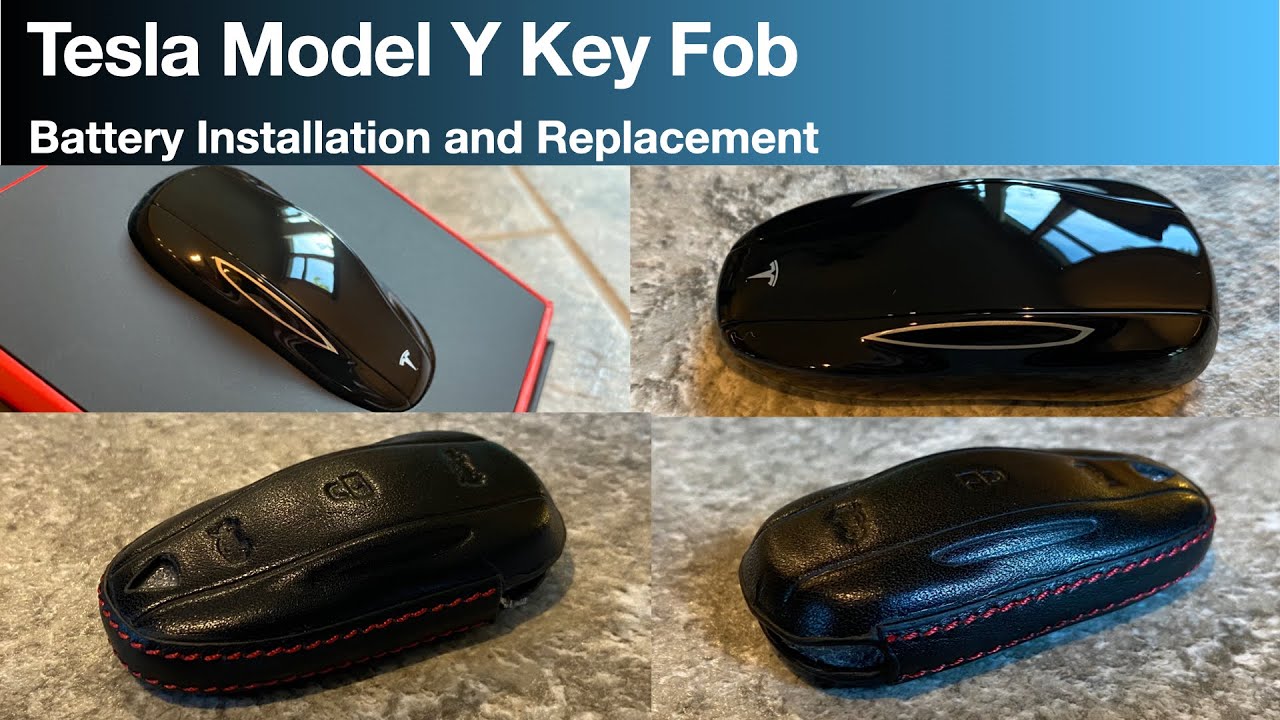
First, locate the small notch on the side of the key fob – it's usually on the edge opposite the Tesla logo. This is where you’ll insert your flathead screwdriver (or plastic opening tool). Apply gentle, consistent pressure to pry open the fob casing. Avoid using excessive force, as you could damage the plastic.
The casing is held together by a series of clips, so you may need to work your way around the perimeter, gently lifting as you go. It’s helpful to start at the notch and slowly move along the seam, applying slight pressure at each point. Using a plastic tool makes it easier to avoid scratching the casing, but a careful hand with a metal screwdriver will also work.
There aren’t any hidden screws on the 2026 Model Y fob that need to be removed. It's entirely clip-based. Once you’ve worked your way around the entire seam, the two halves of the casing should separate. Be careful not to pull too forcefully, as there are small internal components that could become dislodged. Take your time and be patient.
If the casing feels stuck, double-check that you haven't missed a clip. Applying a little bit of pressure while gently wiggling the tool can help release it. Avoid inserting the tool too deeply to prevent damage to the internal electronics. A slow and steady approach is best.
Battery Replacement and Reassembly: Avoiding Common Mistakes
With the fob open, you’ll see the CR2032 battery. It’s held in place by a small retaining clip. Gently push or lift this clip to release the old battery. Be careful not to bend or damage the clip during removal. Once released, the battery should lift out easily. Note the orientation of the battery – the positive (+) side should be facing up.
Now, insert the new CR2032 battery, ensuring the positive (+) side is facing up. Press down gently until it clicks into place under the retaining clip. Double-check that the battery is securely seated and isn't loose. A secure fit is essential for proper operation. A loose battery can cause intermittent issues.
Before reassembling the fob, take a moment to inspect the battery contacts for any signs of corrosion. If you see any, you can gently clean them with a cotton swab dipped in isopropyl alcohol. Allow the alcohol to dry completely before proceeding. Now, carefully align the two halves of the casing and press them together until they click securely. Avoid forcing the casing closed, as this could damage the clips.
- Gently release the old battery from the retaining clip.
- Insert the new CR2032 battery with the (+) side up.
- Ensure the battery is securely seated.
- Clean contacts if corroded.
- Align and snap the casing halves together.
Testing and Troubleshooting: Does It Work Now?
Once the fob is reassembled, it’s time to test it. Press the unlock button to verify that the car unlocks. Then, press the lock button to confirm that it locks. Also, try pressing the panic alarm button to ensure it’s functioning correctly. If everything works as expected, congratulations – you’ve successfully replaced the battery!
If the fob still doesn’t work after replacing the battery, there are a few things to check. First, double-check that the battery is installed correctly, with the positive (+) side facing up. Second, ensure that the battery is making good contact with the terminals. Third, try reprogramming the key fob to the car. The Tesla owner's manual provides instructions on how to do this.
In some cases, the fob itself may be damaged. If you’ve tried all the troubleshooting steps and the fob still doesn’t work, it may need to be replaced. A damaged fob can sometimes cause intermittent issues, even with a new battery. It’s also possible that there's an issue with the car's receiver, but this is less common. If you suspect a problem with the car, it’s best to consult a Tesla service center.
Extending Your Key Fob Battery Life: Practical Tips
While replacing the battery is simple, extending its life can save you time and money. Avoid exposing the key fob to extreme temperatures. Leaving it in direct sunlight on a hot day or in a freezing car can significantly reduce battery life. Store the fob in a cool, dry place when not in use.
Minimize unnecessary button presses, as each press uses power. Avoid repeatedly pressing the button if it doesn’t respond immediately. Consider disabling features you don’t use frequently, such as the panic alarm, if your Tesla allows for customization. Check if the 2026 model allows this.
Another tip is to avoid carrying the key fob with other metal objects, such as keys or coins. These objects can potentially cause short circuits or drain the battery. Keeping the fob in a separate pocket or pouch can help prevent this. toring my fob separately.
When to Seek Professional Help: Is DIY Right for You?
While replacing a Tesla Model Y key fob battery is generally a simple DIY task, it’s not for everyone. If you’re uncomfortable disassembling electronics, or if you’re concerned about damaging the fob, it’s best to take it to a Tesla service center or a qualified locksmith. They have the tools and expertise to replace the battery safely and correctly.
DIY repair may void your warranty in some cases, so it’s important to check your warranty terms before proceeding. If you’re unsure, it’s always best to err on the side of caution and seek professional help. The cost of professional key fob battery replacement typically ranges from $20 to $50, depending on the location and service provider.
No comments yet. Be the first to share your thoughts!