

Model Y key fob basics
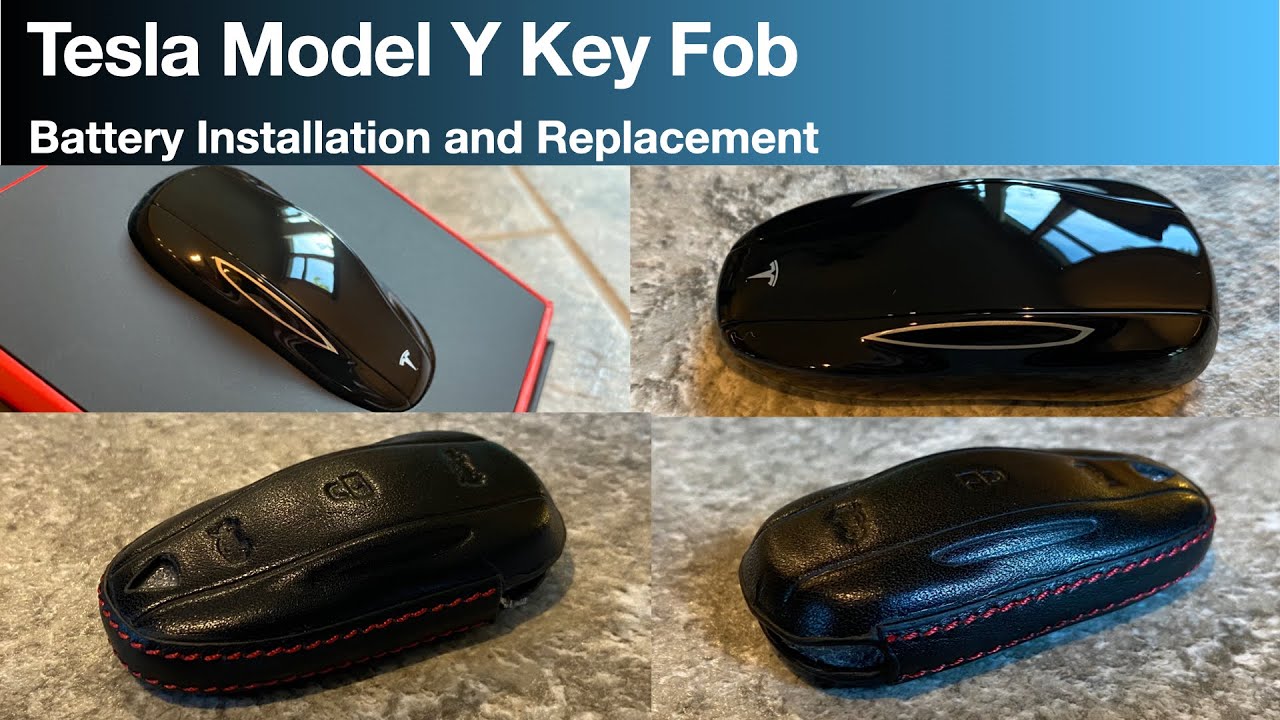
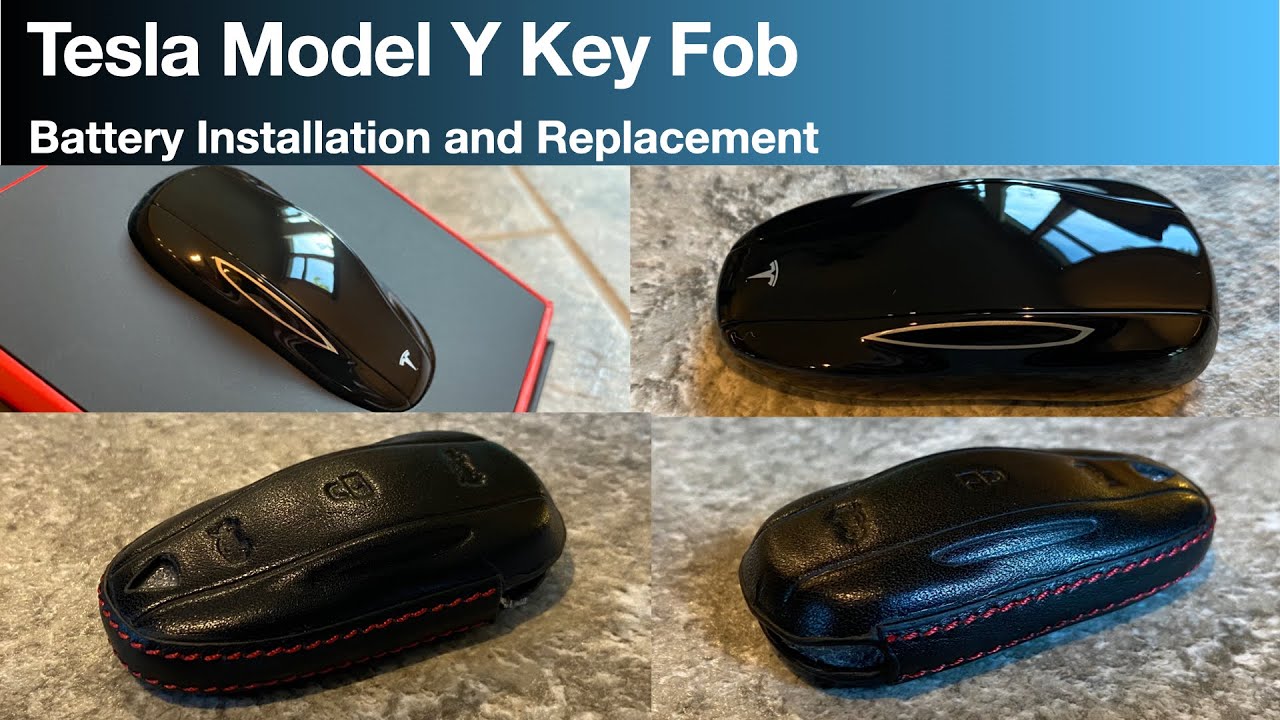
The 2026 Tesla Model Y key fob is a sleek, minimalist device designed for convenience. It allows for keyless entry and operation of your vehicle, offering a more traditional alternative to relying solely on the Tesla app. While Tesla is known for its technology, even these fobs aren't immune to the inevitable: a dying battery. It's a bit frustrating, honestly, because you expect these things to just work for a long time, but that’s not always the case.
A dead fob is a headache if your phone is out of juice or you just prefer a physical button. Swapping the battery takes five minutes and saves a trip to the service center.
Tesla doesn’t publish specific data on the lifespan of key fob batteries, but owners generally find they need replacing every 12-24 months with normal use. Factors like temperature and frequency of use can affect this, of course. The good news is that replacing the battery is a straightforward DIY task, saving you a trip to the service center and some money.
Signs your battery is dying
The signs of a failing key fob battery aren’t always obvious. It’s rarely an immediate, complete shutdown. More often, you’ll notice subtle changes in performance. A common first sign is reduced range – you might have to get closer to the car for it to unlock. This can be easily dismissed as a quirk, but it’s worth investigating.
Intermittent operation is another telltale sign. The fob might work sometimes, but not others, or it might require multiple presses of the buttons. I remember thinking my fob was glitching because it would only unlock the driver’s side door initially. Slow response times – a noticeable delay between pressing the button and the car responding – are also a strong indicator. Don’t ignore these little cues!
Eventually, the battery will weaken to the point of complete failure. The fob will simply stop working altogether. Catching the warning signs earlier can prevent you from being stranded and needing to use the Tesla app in an inconvenient situation.
Tools You'll Need
Replacing the key fob battery doesn’t require a fully equipped workshop. Thankfully, the tool list is pretty short. You'll definitely need a replacement CR2032 battery – we’ll talk more about alternatives later. A plastic opening tool, or something similar (like a guitar pick), is essential for safely prying open the fob casing.
A small Phillips head screwdriver may be required, depending on your specific key fob version. Some models have a single screw holding the battery compartment closed. Finally, a clean, flat surface to work on is always a good idea. It helps prevent losing small parts.
I strongly recommend using a non-marring opening tool. Metal tools can easily scratch the plastic casing, so a plastic spudger or similar is the way to go. You can find these tools online or at most electronics repair stores.
- CR2032 lithium battery
- Plastic opening tool
- Small Phillips head screwdriver (if required)
- Clean, flat work surface
Essential Tools for Your 2026 Tesla Model Y Key Fob Battery Replacement
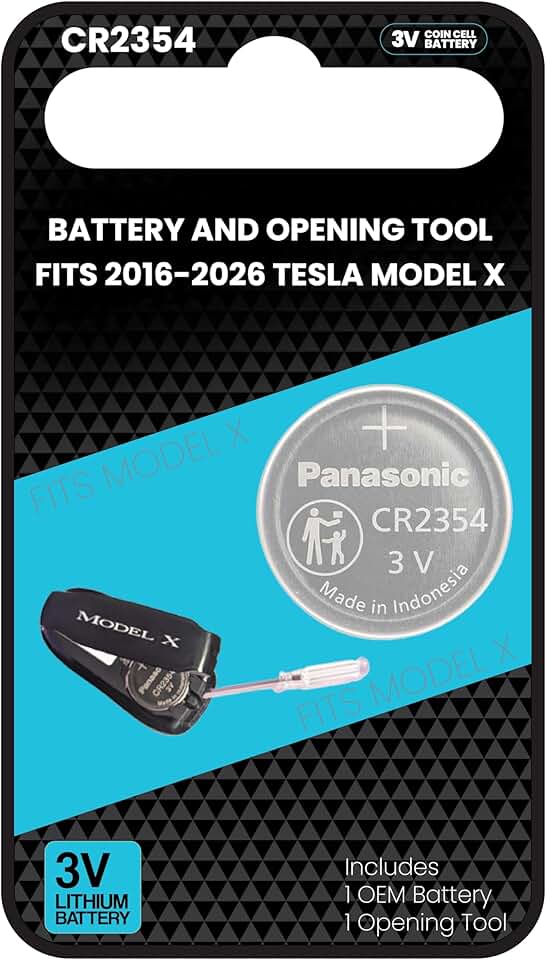
Original OEM CR2354 battery · Includes a key fob opening tool
This is the original OEM battery specifically designed for Tesla key fobs, ensuring compatibility and proper function, and it comes with a tool to assist with opening.

40-piece set · Includes Torx, Triwing, and Phillips bits · Suitable for a wide range of electronics
This comprehensive set offers a variety of precision bits needed for disassembling various electronic devices, including laptops and gaming consoles.
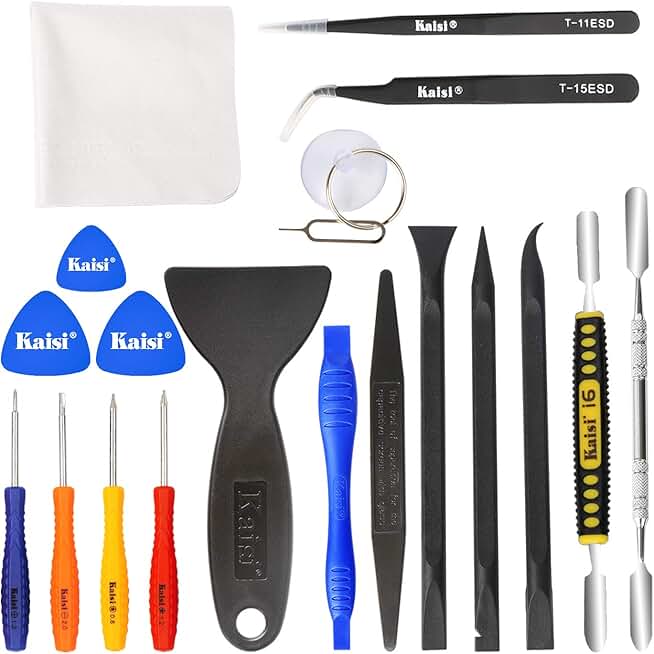
20-piece kit · Includes metal and non-abrasive nylon spudgers · Features anti-static tweezers
This professional kit provides a range of prying tools, including gentler nylon options and anti-static tweezers, to safely open electronic devices without causing damage.

11-piece kit · Includes both plastic and metal spudgers · Versatile for various electronic repairs
This affordable kit offers a good selection of plastic and metal spudgers, essential for carefully separating components during electronic repairs.

40-piece set · Includes Torx, Triwing, and Phillips bits · Suitable for a wide range of electronics
This comprehensive set offers a variety of precision bits needed for disassembling various electronic devices, including laptops and gaming consoles.
As an Amazon Associate I earn from qualifying purchases. Prices may vary.
CR2032: The Standard Option
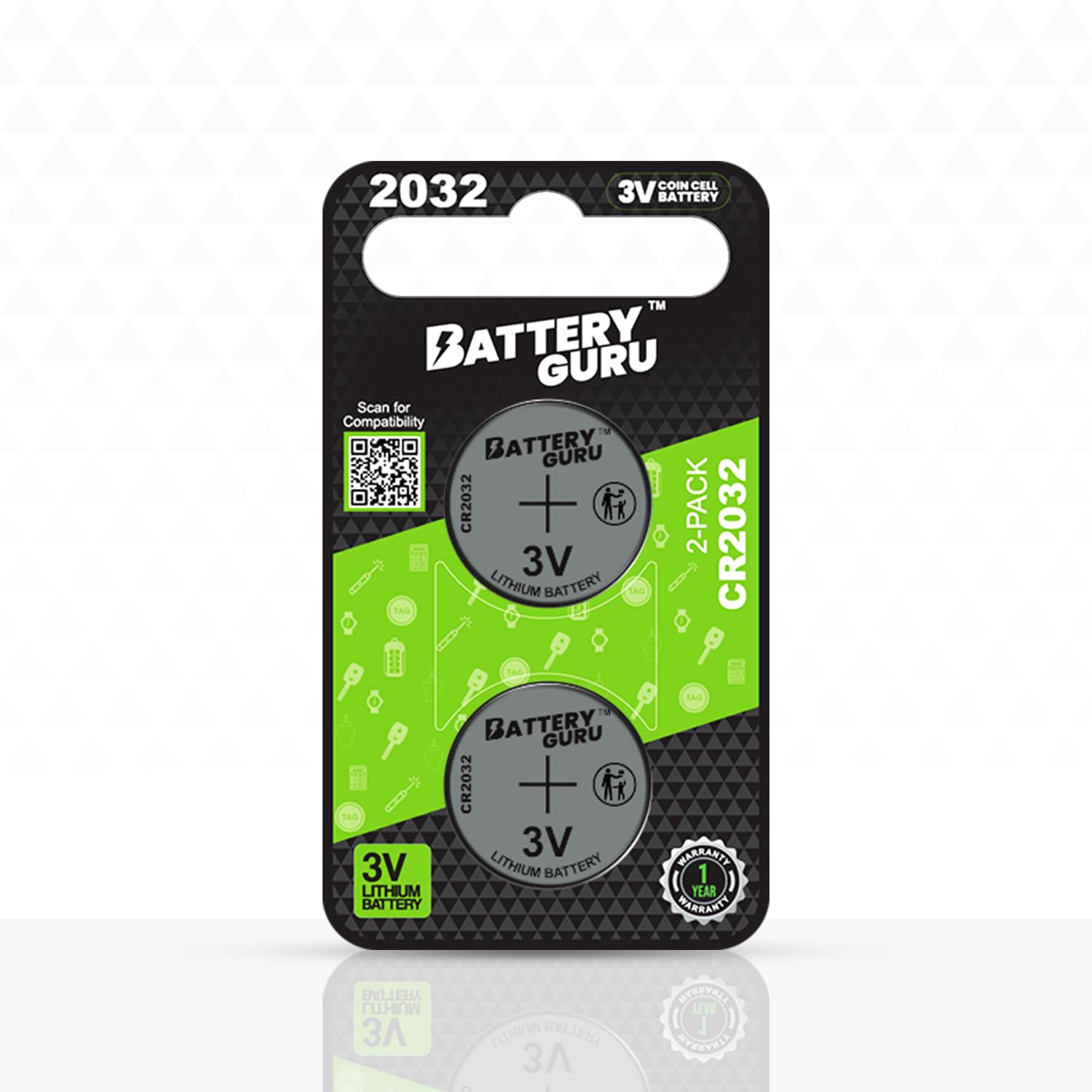
For a long time, the CR2032 battery has been the standard choice for Tesla key fob replacements. CR2032 isn’t just a random code; it tells you quite a bit about the battery. "CR’ signifies a lithium coin cell, ‘20’ represents the diameter in millimeters (20mm), and ‘32’ indicates the thickness (3.2mm). It’s a 3-volt battery, providing enough power to operate the fob"s functions.
These batteries are readily available at most drugstores, supermarkets, and electronics stores. Batteries Plus, for example, carries a wide range of CR2032 batteries, and they often offer recycling services as well. You can typically find a single battery for around $5-$10, depending on the brand and quantity. Duracell and Energizer are popular and reliable brands.
The CR2032 is reliable but has a limited capacity. This has led to more interest in high-capacity lithium alternatives that last longer between swaps.
How to replace the battery
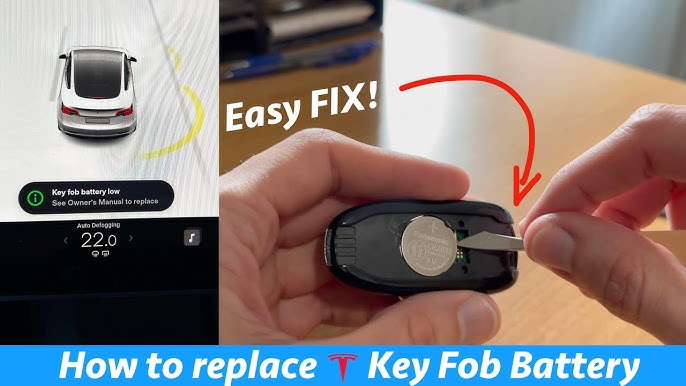
Okay, let’s get down to replacing that battery. First, locate the small notch on the side of your key fob. This is where you’ll insert your plastic opening tool. Gently pry at the notch – don’t force it! The fob should separate into two halves. Be careful not to scratch the casing. If it feels stuck, double-check you’re applying pressure in the right spot.
Once the fob is open, you’ll see the battery compartment. The battery is usually held in place by a small retaining clip. Gently push the clip aside to release the old CR2032 battery. Take note of the battery’s orientation – the positive (+) side should be facing up. This is crucial for the new battery.
Now, insert the new CR2032 battery, ensuring the positive (+) side is facing up, matching the orientation of the old battery. Double-check that the battery is securely seated in the compartment. Replace the retaining clip to hold the battery in place. Don’t overtighten anything.
Carefully align the two halves of the fob and press them back together until they snap securely. You might hear a click. If the fob doesn’t close easily, double-check that the battery is properly seated and the retaining clip isn’t obstructing the closure. Avoid applying excessive force.
Before fully reassembling, it's a good idea to visually inspect the battery contacts to ensure they are clean and making good contact. Sometimes, a tiny bit of corrosion can build up. If you see any, gently clean it with a cotton swab dipped in isopropyl alcohol (ensure it's completely dry before reassembling).
Finally, reassemble the fob, making sure it clicks securely shut. If you encounter any resistance, stop and re-examine the components. Forcing it could damage the fob.
- Pry open the fob using the side notch.
- Release the retaining clip and remove the old battery.
- Insert the new battery with the correct polarity.
- Secure the battery with the retaining clip.
- Reassemble the fob and ensure it clicks shut.
CR2032 vs. Potential Lithium Alternatives for 2026 Tesla Model Y Key Fob
| Battery Chemistry | Voltage | Capacity (mAh) | Lifespan (estimated) | Availability |
|---|---|---|---|---|
| CR2032 | 3V | 220-240 mAh | 1-2 years (typical use) | Widely Available |
| Lithium Polymer (Potential Alternative) | 3V | 200-250 mAh (estimated) | Potentially longer than CR2032, dependent on discharge rate | Limited - Emerging Technology |
| Lithium Iron Phosphate (LiFePO4) - (Potential Alternative) | 3.2V | 180-200 mAh (estimated) | Potentially longer cycle life, but lower energy density | Limited - Requires custom fabrication/adaptation |
| Lithium Manganese Dioxide (Potential Alternative) | 3V | Unknown | Similar to CR2032, potentially improved safety | Moderate - Less common than CR2032 |
Illustrative comparison based on the article research brief. Verify current pricing, limits, and product details in the official docs before relying on it.
Testing and Resyncing
After replacing the battery, test the key fob to ensure it’s working correctly. Press the buttons to lock and unlock your car. If it doesn’t work immediately, don’t panic. Sometimes, the fob needs to resync with the vehicle. This is a common issue.
To resync the key fob, enter your vehicle and place the fob in the center console, near the cup holders. Start the car. The car should automatically recognize the key fob. If it doesn’t, consult Tesla’s official documentation for key fob resyncing instructions. You can find this information on the Tesla support website.
I’ve had to resync a key fob before, and it can be a little finicky. Sometimes it takes a couple of tries. Ensure your car has a strong cellular connection during the resync process, as this can sometimes affect the communication between the car and the key fob. If you continue to experience issues, contact Tesla support.
Battery Disposal & Recycling
Responsible battery disposal is crucial. Lithium batteries contain materials that can be harmful to the environment if not disposed of properly. Never throw batteries in the regular trash. Instead, recycle them at a designated battery recycling center.
Batteries Plus, for example, offers a free battery recycling program. Many local recycling centers and electronics stores also accept batteries for recycling. Check with your local waste management authority for information on battery recycling options in your area. It's a small effort that makes a big difference.
No comments yet. Be the first to share your thoughts!