

iPhone 18 battery expectations
I expect the iPhone 18 battery to follow Apple's usual path of small, steady gains. We'll likely see capacities move past the 4,800 mAh mark found in current Pro Max models. It isn't a revolution, just a slow grind toward better efficiency.
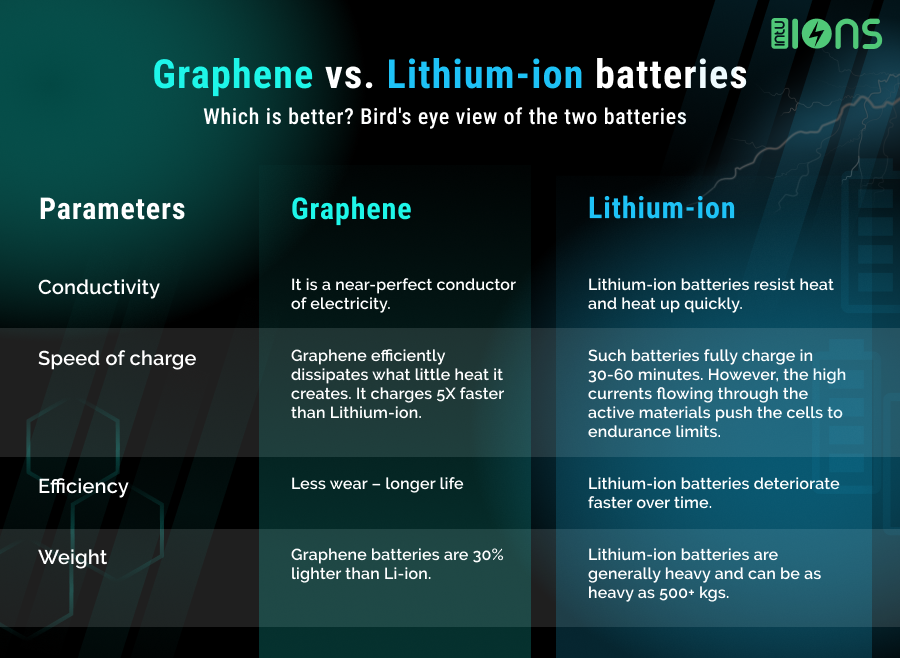
Charging speeds are another area ripe for improvement. While Apple has been relatively conservative with wired charging, the pressure from Android competitors is real. We might finally see adoption of speeds exceeding 65W. More realistically, I think we’ll see improvements to wireless charging, perhaps with a move towards more efficient charging coils. The biggest change, though, could be battery chemistry.
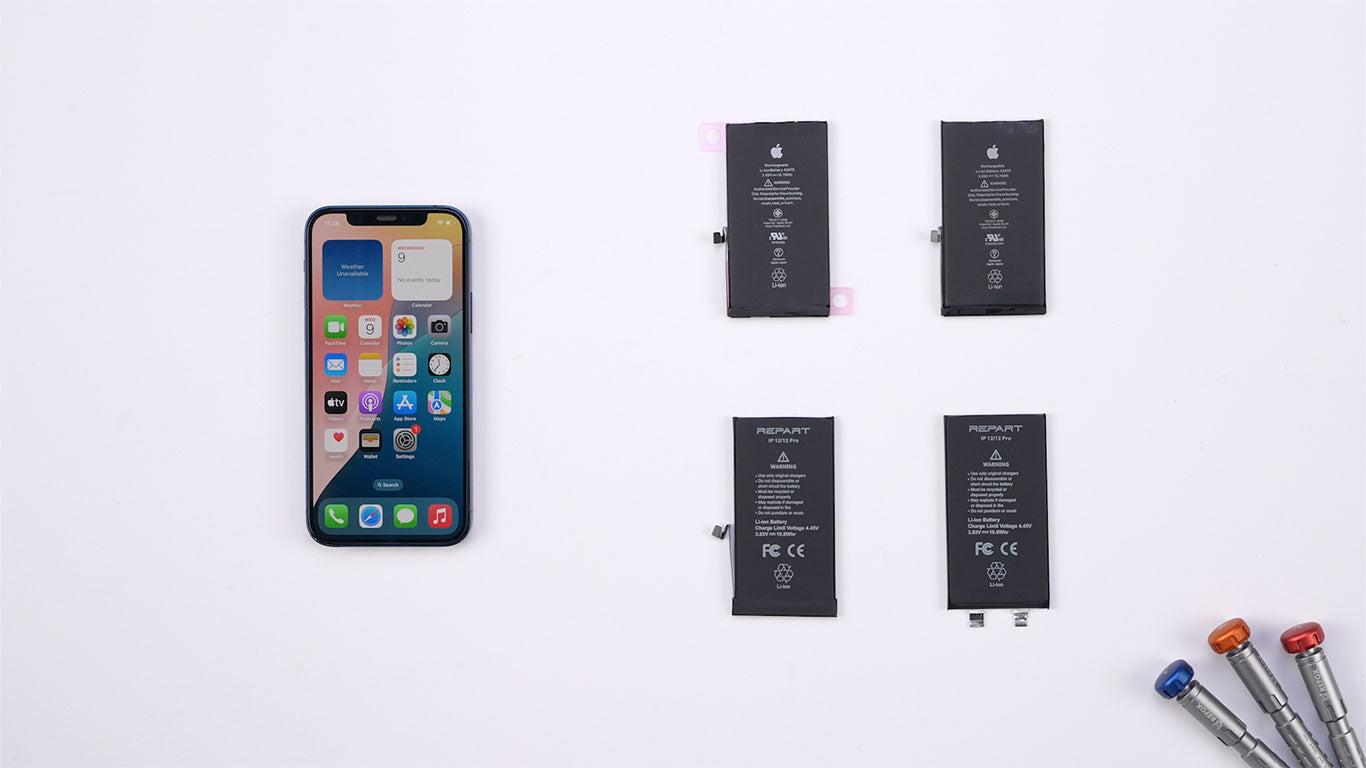
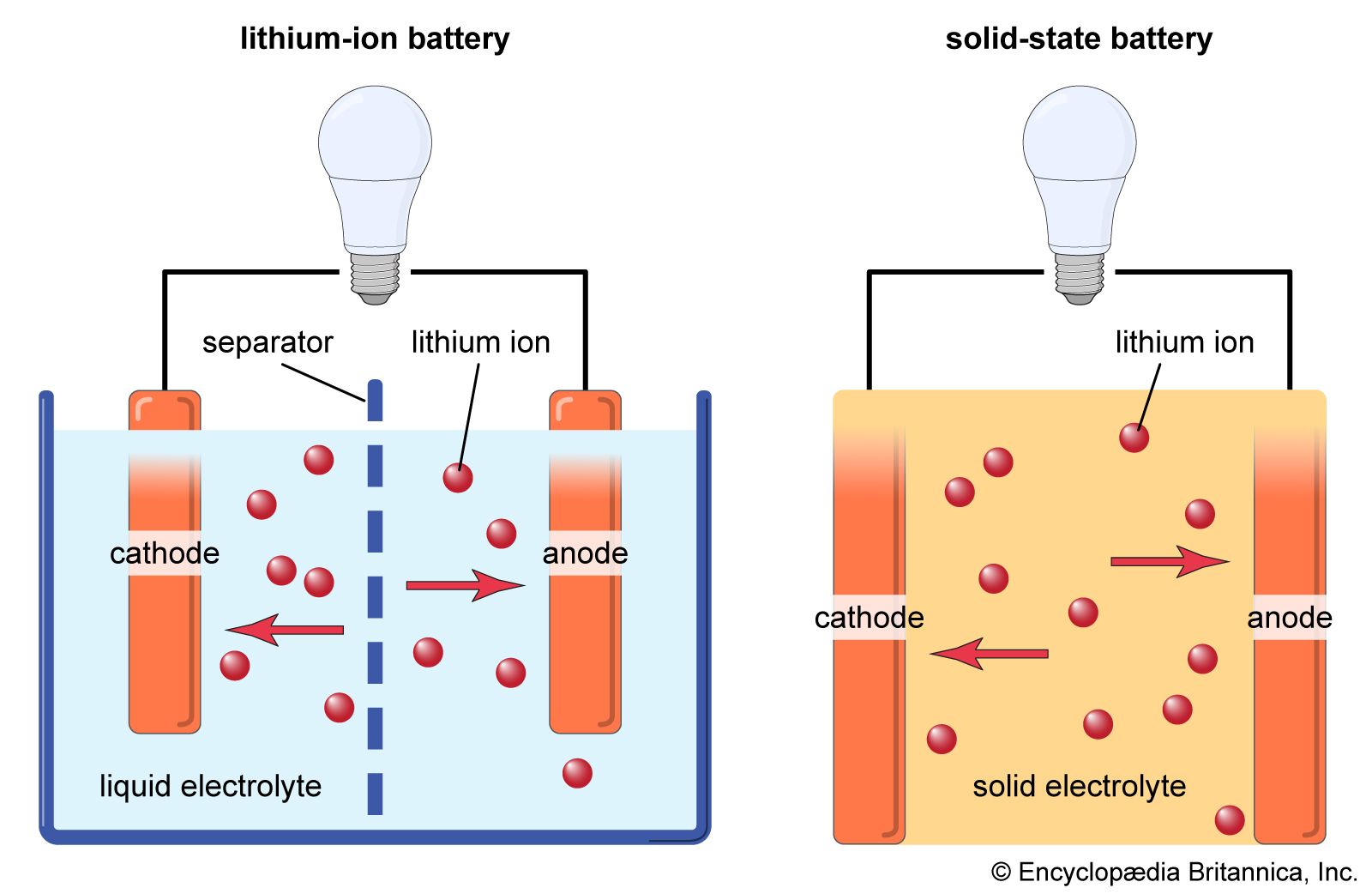
Solid-state batteries might show up in the Pro models by 2026, though I'm not holding my breath. They are denser and safer, but manufacturing them at scale is still a mess. Regardless of the tech, chemical wear is a fact of life. Your battery will eventually die, and you'll have to swap it.
How to tell if your battery is dying
It’s easy to assume a battery needs replacing when it simply doesn’t hold a charge as long, but there are more subtle signs. Unexpected shutdowns, even with a seemingly reasonable battery percentage remaining, are a strong indicator. Apple’s software is designed to prevent this, but as the battery ages, its ability to deliver peak power diminishes.
Another key sign is performance throttling. Apple intentionally slows down the phone to prevent those unexpected shutdowns, but it feels like a noticeable lag or slowdown in everyday tasks. You can check your battery health in the Settings app (likely still under Battery > Battery Health) to see its maximum capacity. However, don’t rely solely on that number; noticeable changes in performance are often a better indicator than a percentage drop.
A swollen battery is a serious concern. If you notice the back of your iPhone 18 bulging or cracking, stop using it immediately. This is a sign of gas buildup inside the battery and poses a safety risk. Also, pay attention to inaccurate battery percentage readings. If the phone suddenly jumps from 20% to 5% or doesn’t charge as expected, it’s time to investigate.
- Unexpected shutdowns
- Performance throttling
- Swollen battery (serious safety hazard)
- Inaccurate battery percentage readings
- Significantly reduced battery life compared to when new
Official Apple replacement costs
Apple's own repair service is the easiest path, but you pay for it. Right now, a swap costs $99. By 2026, I bet that climbs to $120 or $150 once you account for parts and inflation. Check their site for the live price before you head in.
Scheduling an appointment is done through the Apple Support app or on Apple’s website. You can choose to mail in your iPhone or visit an Apple Store or authorized service provider. The process typically takes a few hours at a store, or a week or so for mail-in service, including shipping time. They will disable Find My iPhone before proceeding.
The replacement battery comes with a 90-day warranty. Before sending your phone in, always back up your data to iCloud or a computer. While Apple states they don’t erase your data during the process, it’s always better to be safe. The convenience and peace of mind offered by Apple’s service is a definite plus, but it comes at a premium.
DIY iPhone 18 Battery Replacement: Is It Worth It?
DIY iPhone battery replacement is becoming increasingly difficult. Apple designs its phones to be very tightly sealed, and they’ve been making repairs harder with each generation. It’s not impossible, but it requires a significant investment in specialized tools: pentalobe screwdrivers, suction cups, plastic opening tools, a heat gun, and potentially a new adhesive strip.
The risks are substantial. You could easily damage the display, logic board, or other internal components. You'll almost certainly void your warranty. Puncturing the battery during removal is a serious safety hazard, potentially leading to a fire or chemical burn. Even if you succeed, ensuring a proper seal to maintain water resistance is challenging.
iFixit provides detailed guides, and they’re an excellent resource if you’re determined to go this route. However, I strongly advise caution. Unless you have significant experience with electronics repair, it’s generally not worth the risk. The potential savings aren’t worth the cost of bricking your $1000+ phone.
Third-Party Repair Shops: A Balancing Act
Third-party repair shops offer a middle ground between Apple’s official service and DIY. They’re generally cheaper, but quality control can be a concern. The biggest question is whether they use genuine Apple batteries or aftermarket alternatives. Aftermarket batteries can vary significantly in quality and performance.
Finding a reputable shop requires research. Check online reviews (Google, Yelp), and look for certifications like those offered by the Electronic Technicians Association International (ETA-I). Ask about the battery brand they use and the warranty they offer. A reputable shop will be transparent about their parts and services.
Using non-Apple parts can have legal implications. Apple has been cracking down on unauthorized repairs, and there’s a risk of software limitations or functionality issues. While the right to repair movement is gaining traction, it’s still a complex issue. It’s crucial to understand the potential risks before choosing a third-party repair shop.
- Lower price than Apple
- Quality: Varies depending on the shop and battery used.
- Warranty: Check the warranty offered on the battery and repair.
- Ask if they use genuine Apple parts or generic ones
- Risk: Potential for voiding warranty or encountering software issues.
Apple vs. Third-Party Battery Replacement – Qualitative Decision Matrix
| Provider | Cost | Convenience | Warranty | Risk of Damage | Part Quality |
|---|---|---|---|---|---|
| Apple | High | Medium | High | Low | High |
| Reputable Third-Party | Medium | High | Medium | Medium | Medium |
| Less Reputable Third-Party | Low | Very High | Low | High | Low |
Illustrative comparison based on the article research brief. Verify current pricing, limits, and product details in the official docs before relying on it.
Making your battery last longer
Proactive steps can significantly extend the life of your iPhone 18 battery and delay the need for replacement. Start with software settings: lower screen brightness, disable background app refresh for apps you don’t use frequently, and limit location services to only essential apps. These all consume significant power.
Charging habits matter. Avoid exposing your iPhone to extreme temperatures (both hot and cold). Don’t leave it plugged in at 100% for extended periods, as this can accelerate battery degradation. Apple’s Optimized Battery Charging feature learns your charging habits and delays charging past 80% until you need it, which is a useful setting to enable.
5G connectivity can be a major drain on battery life. If you’re in an area with strong 4G coverage, consider switching to 4G to conserve power. Regularly closing unused apps can also help, although iOS is generally good at managing background processes. These small changes add up over time.
Battery Disposal: Responsible Practices
Lithium-ion batteries are considered hazardous waste and should never be thrown in the regular trash. Improper disposal can lead to environmental contamination and even fires. Fortunately, there are many options for responsible battery recycling.
Apple has a robust battery recycling program. You can find information on their website about how to send your old battery back for free. Many local recycling centers and electronics retailers also accept batteries for recycling. Check with your local municipality for designated drop-off locations.
Taking the time to dispose of your old battery properly is an ethical responsibility. It protects the environment and ensures that valuable materials can be recovered and reused.

No comments yet. Be the first to share your thoughts!